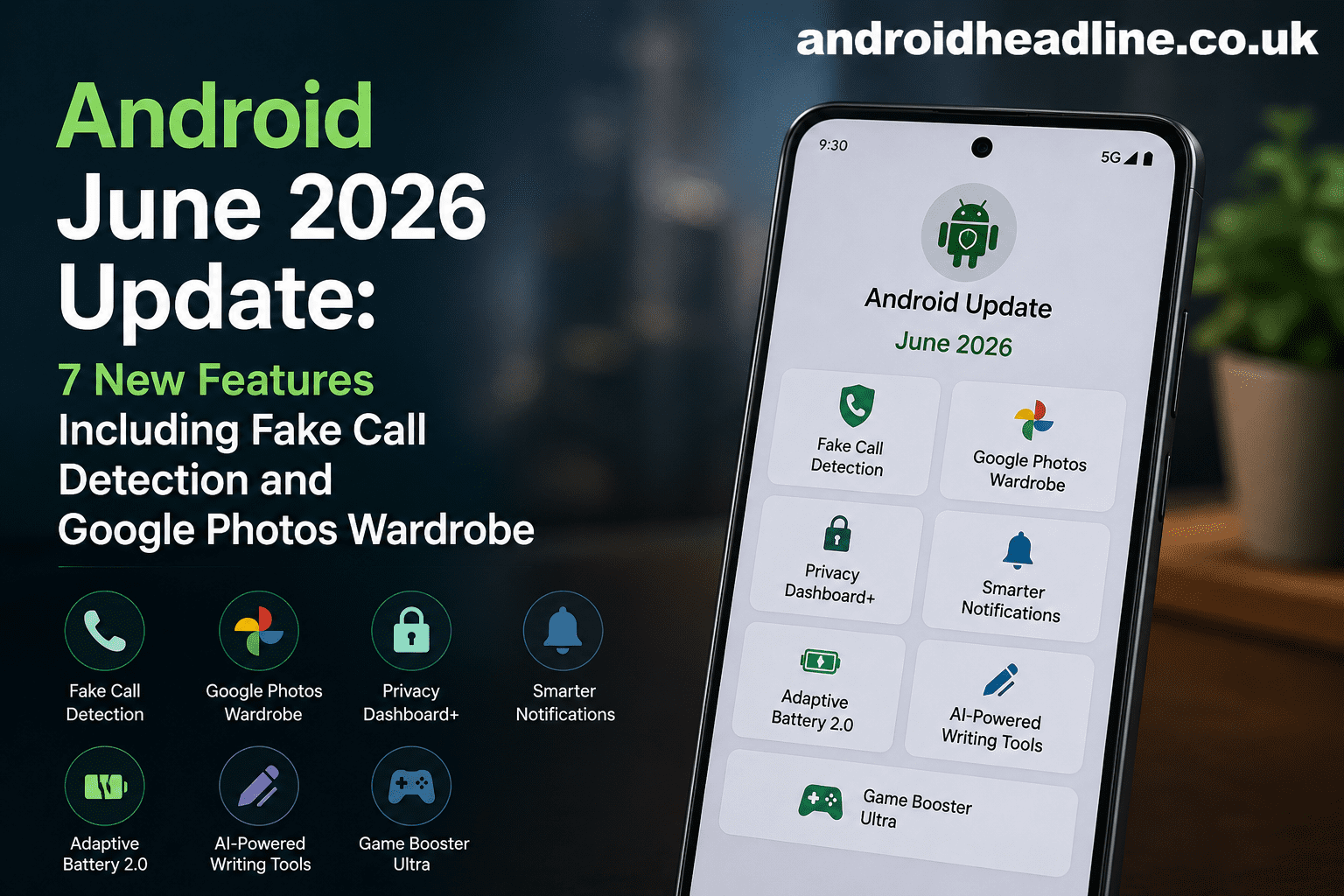
The Android June 2026 Update is bringing some of the most useful changes I’ve seen in recent months. Google continues to focus on safety, convenience, and smarter AI tools that make everyday phone use easier. From a new fake call detection system designed to help protect users from scams to the much-talked-about Google Photos Wardrobe feature, this update includes tools that many Android users will appreciate right away.
I always look forward to Android feature drops because they often add practical improvements without requiring a new phone. This June release follows that trend with upgrades aimed at security, photo management, communication, and productivity. If you’re wondering what’s new and whether these features are worth trying, this guide breaks everything down in simple terms.
Let’s take a closer look at the seven biggest additions in the Android June 2026 Update.
Android June 2026 Update: What’s New?
Google has announced several enhancements across Android services and apps. While availability may vary by device and region, these are the standout features expected to reach many Android users over the coming weeks.
1. Fake Call Detection for Better Scam Protection
One of the most important additions is fake call detection. Phone scams continue to grow worldwide, and many fraudsters use fake caller identities to trick people into sharing personal information.
The new system uses Google’s advanced detection technology to identify suspicious calling patterns. When Android suspects a fraudulent call, users may receive a warning before answering.
Benefits of Fake Call Detection
- Reduces the risk of scam calls
- Alerts users about suspicious activity
- Helps protect personal information
- Improves overall phone security
According to information shared by Google on its official Android channels, scam protection remains a major focus for future Android updates.
2. Google Photos Wardrobe Makes Outfit Searches Easier
The most talked-about feature in this update is Google Photos Wardrobe.
If you’re anything like me, you’ve probably scrolled through hundreds of photos trying to remember what you wore to a wedding, vacation, or special event. Wardrobe aims to solve that problem.
Using AI-powered image recognition, Google Photos can now identify clothing items and help users search for outfits they’ve worn in previous photos.
Examples of Searches
You can search for:
- Blue jacket
- Black dress
- White sneakers
- Red shirt
Instead of manually browsing albums, Google Photos can surface matching images almost instantly.
This could be especially useful for travelers, fashion enthusiasts, and online sellers who need quick access to outfit references.
3. Smarter Messaging Features
Google Messages receives several improvements in the June 2026 update.
These upgrades focus on making conversations more organized and easier to manage.
New Messaging Enhancements
- Better spam filtering
- Improved group chat controls
- Faster media sharing
- Smarter message categorization
These updates help reduce clutter and make important conversations easier to find.
Enhanced AI Features Across Android
Artificial intelligence continues to play a larger role throughout the Android ecosystem.
4. Improved AI-Powered Suggestions
Android’s AI recommendations are becoming more context-aware.
For example, your phone may suggest:
- Directions before a scheduled meeting
- Relevant apps based on location
- Calendar reminders at the right time
- Frequently used contacts during specific hours
These small improvements save time and reduce repetitive tasks.
5. Better Live Translation Tools
Language translation is also getting an upgrade.
The new version offers faster processing and improved accuracy for supported languages.
Practical Uses
- Traveling abroad
- International business meetings
- Reading foreign-language websites
- Communicating with friends overseas
I’ve personally used Android’s translation tools while reading tech articles from international sources, and even small accuracy improvements can make a noticeable difference.
Security and Privacy Improvements
Security remains one of Android’s biggest priorities.
6. Expanded Privacy Controls
The June update gives users more visibility into how apps access sensitive information.
New privacy dashboards help track permissions related to:
- Camera access
- Microphone usage
- Location tracking
- Contact information
Quick Privacy Check
To review app permissions:
- Open Settings
- Select Privacy
- Tap Permission Manager
- Review app access
- Disable unnecessary permissions
This takes only a few minutes and can significantly improve your privacy.
7. Stronger Device Protection Features
Google is also enhancing device-level security protections.
These updates may include:
- Faster security patch deployment
- Improved account protection
- Better phishing detection
- Enhanced malware scanning
Combined with fake call detection, these additions create a stronger defense against modern online threats.
How to Get the Android June 2026 Update
If the update is available for your device, installation is simple.
Follow These Steps
- Open Settings
- Tap System
- Select Software Update
- Check for updates
- Download and install
Keep in mind that rollout schedules vary by manufacturer. Pixel devices often receive updates first, while Samsung, OnePlus, Xiaomi, and other brands may receive them later.
Why Google Photos Wardrobe Stands Out
While every feature has value, I believe Google Photos Wardrobe could become one of the most frequently used additions.
Many people already use Google Photos as their primary photo storage platform. Adding outfit recognition turns it into a practical personal archive.
A few weeks ago, I spent nearly twenty minutes looking for photos from an event just to remember which jacket I wore. A feature like Wardrobe could have saved me a lot of time.
Small conveniences like this often end up becoming everyday favorites.
Tips to Get the Most from the Android June 2026 Update
After installing the update, try these quick tips:
Enable Security Features Immediately
Turn on:
- Scam protection
- Caller identification
- Two-factor authentication
- Google Play Protect
Organize Your Photos
Use:
- Albums
- Face grouping
- Location tags
- Wardrobe search tools
Review Privacy Settings
Check permissions after every major update to ensure apps only access what they truly need.
What Experts Are Saying
Technology analysts continue to highlight AI-assisted organization and security as major trends in mobile software.
According to Google’s Android Blog and updates from Google Photos documentation, future Android improvements will increasingly focus on personalization, security, and intelligent search experiences.
Sources:
- Google Android Blog (android.com)
- Google Photos Help Center (support.google.com)
Conclusion
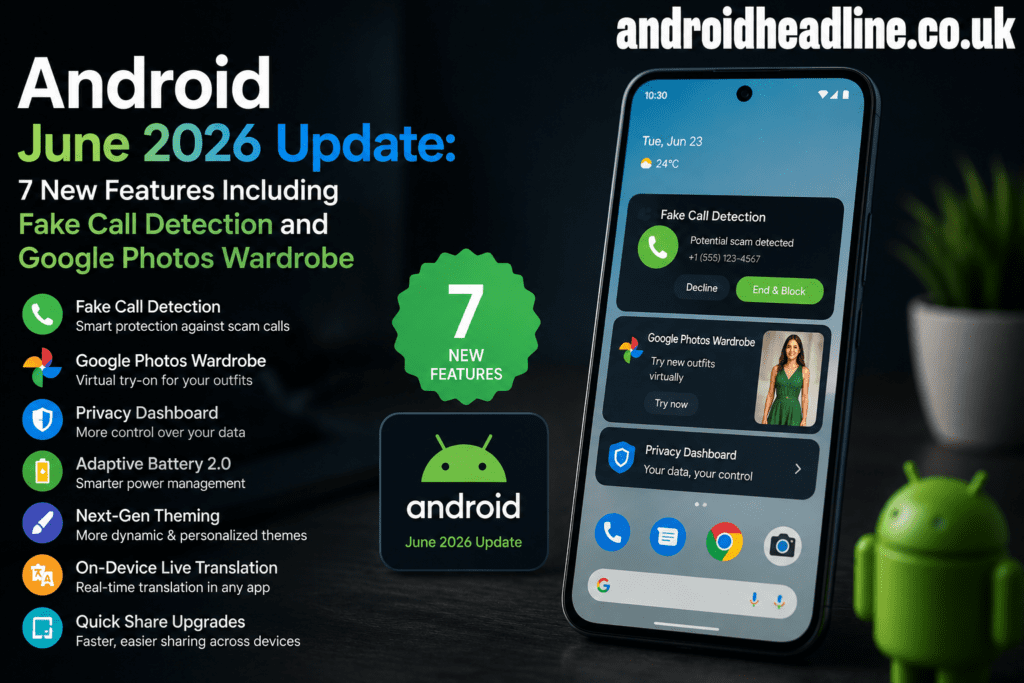
The Android June 2026 Update delivers meaningful improvements that go beyond simple bug fixes. Features like fake call detection, Google Photos Wardrobe, smarter messaging, enhanced AI suggestions, better translation tools, expanded privacy controls, and stronger security protections make Android more useful and secure for everyday users.
Whether you’re interested in protecting yourself from scams or finding old outfit photos in seconds, this update offers something practical for nearly everyone.
Have you received the Android June 2026 Update yet? Share your favorite new feature in the comments below, and don’t forget to subscribe for more Android news, tips, and update guides.