Have you ever spotted a gorgeous font on a poster, a website, or even a coffee shop menu — and spent the next 20 minutes trying to figure out what it was? Yeah, me too. It’s one of those frustrating little designer problems that sounds tiny but eats up way more time than it should.
That’s exactly why I was so relieved when I stumbled upon Fontlu — a free font finder tool that lets you identify, match, and explore fonts in seconds. Whether you’re a seasoned graphic designer or someone who just wants their website to look beautiful, Fontlu is genuinely one of the most useful tools I’ve added to my workflow. Let me walk you through everything it does and why I think it deserves a permanent spot in your bookmarks.
What Is Fontlu and Why Should You Care?
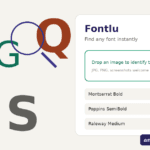
Fontlu is a smart, free font discovery platform built for designers, developers, content creators, and really anyone who works with type. At its core, it’s a font identifier, matcher, and explorer — all rolled into one clean interface.
Think of it like a search engine, but specifically for fonts. You can upload an image of text you like, describe the style you’re going for, or browse by category — and Fontlu surfaces the closest matching typefaces from thousands of fonts in its database.
What I love most is that it doesn’t just stop at identifying a font. It goes further by suggesting visually similar alternatives, showing pairing ideas, and even letting you preview fonts with your own custom text before you commit to anything. That kind of end-to-end experience is rare, and it saves so much back-and-forth.
How Fontlu Works: A Quick Overview
If you’re worried this sounds complicated, don’t be. Fontlu is built for speed and simplicity. Here’s the basic flow:
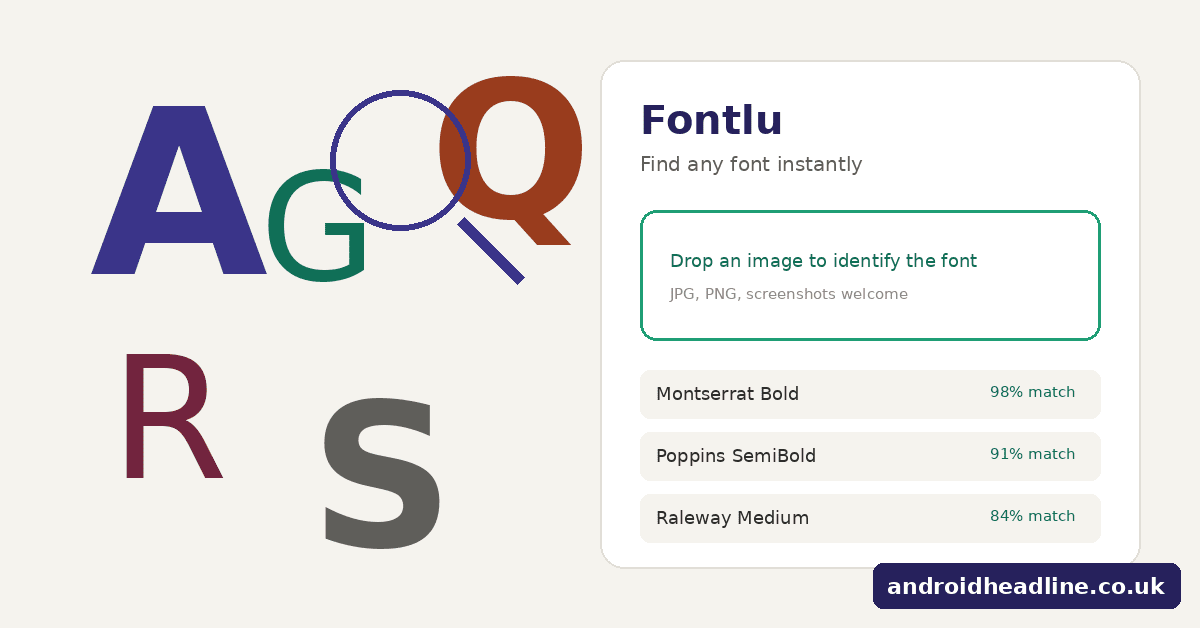
- Upload an image – Take a screenshot or photo of any text you want to identify. Fontlu’s AI engine analyzes the letterforms.
- Get instant results – Within seconds, you’ll see a ranked list of fonts that closely match what you uploaded.
- Explore and compare – Click through the results to see each font in more detail, compare them side by side, and preview them with your own words.
- Find pairings – Not sure what to pair your headline font with? Fontlu suggests complementary body fonts automatically.
- Download or link – Fontlu tells you where to get the font — whether it’s free on Google Fonts, available on Adobe Fonts, or needs a license from a type foundry.
That’s it. Five steps, and you’ve gone from “what font is that?” to “I know exactly which one I want and where to get it.”
My Honest Experience Using Fontlu
I’ll be real with you. The first time I tested Fontlu, I was a little skeptical. I’ve tried a bunch of font identification tools over the years — some worked okay, others were just frustrating. But I decided to throw a genuinely tricky test at it: a photo I’d taken of a hand-lettered sign at a local market, slightly blurred and shot at an angle.
Fontlu came back with three suggestions. The top result wasn’t perfect (the sign was hand-lettered after all), but the second result — a slightly quirky serif with high contrast strokes — was shockingly close. Close enough that I actually used it for a client branding project that same week. That impressed me.
The interface is also just… nice. It doesn’t feel like a tool cobbled together over a weekend. Everything is clean, responsive, and fast. No annoying pop-ups asking me to sign up before I can see results.
Key Features That Make Fontlu Stand Out
Let me break down the specific things Fontlu does really well.
Font Identifier — Upload and Identify Any Font
This is the flagship feature, and it works surprisingly well even with imperfect images. You don’t need a crystal-clear scan; a decent smartphone photo usually does the trick.
Fontlu uses machine learning to analyze letter shapes, stroke widths, serif styles, and overall proportions. The result is a match ranked by similarity, so you’re not just getting one guess — you’re getting a shortlist you can explore.
Best for: Identifying fonts from logos, print materials, packaging, signs, and screenshots.
Font Matcher — Find Visually Similar Alternatives
Sometimes you already know the font you want, but it’s expensive, not available for your use case, or just not quite right. Fontlu’s matcher lets you search by font name and shows you visually similar options — including free alternatives.
This feature alone has saved me from licensing headaches more than once. I’ve found free Google Fonts alternatives to premium display fonts that looked almost identical in context. My clients were happy, and my budget was happier.
Font Explorer — Browse by Style, Mood, and Category
Not every project starts with “I saw a font and I want that exact one.” Sometimes you’re starting from scratch, thinking something like: I need a clean, modern sans-serif for a tech startup — or — I want something vintage and warm for a bakery logo.
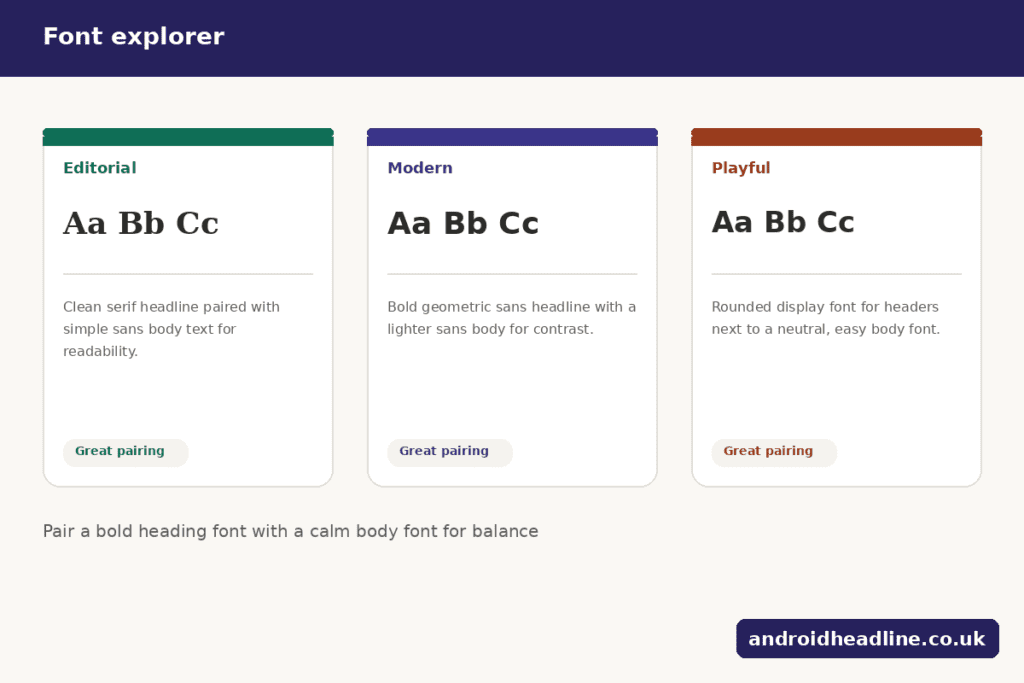
Fontlu’s explorer mode lets you filter by:
- Style (serif, sans-serif, display, script, monospace)
- Mood (elegant, playful, bold, minimal, retro)
- Use case (headline, body text, logo, packaging)
- Weight and width range
It’s like walking through a very well-organised type foundry, except it’s free and you don’t have to leave your house.
Font Pairing Suggestions
Typography pairing is one of those skills that takes years to develop naturally. Fontlu shortcuts that learning curve by showing you pre-tested, designer-approved pairings for almost any font in its database.
Each pairing comes with a live preview so you can see exactly how the headline and body fonts look together before you commit. You can swap in your own text to make it feel more real, which is a genuinely great touch.
Who Is Fontlu For?
Honestly, a pretty wide range of people. Here’s who I think gets the most out of it:
Graphic designers who need to identify client fonts quickly, find alternatives, or explore new typefaces for projects.
Web developers who want to match fonts from designs they’re handed and need to know what’s available on Google Fonts or similar free sources.
Content creators and bloggers who want their site typography to look polished and intentional, without needing a design degree.
Small business owners working on DIY branding who want to make smart font choices without hiring an expensive designer.
Students and hobbyists learning design who want to build their typographic intuition by exploring different styles.
Fontlu vs Other Font Identification Tools
There are a few other tools in this space worth mentioning — WhatTheFont by MyFonts and Font Squirrel’s Matcherator are probably the most well-known. Both are solid for basic identification.
But here’s where Fontlu pulls ahead in my experience:
The exploration and pairing features are much more developed. Other tools tend to stop at identification and leave you on your own to figure out what to do next. Fontlu keeps you in the workflow — from identification all the way through to downloading and using your font.
The UI is also cleaner and faster. WhatTheFont has been around for years, and it shows. Fontlu feels built for 2026, not 2012.
And perhaps most importantly for everyday users: you don’t need to create an account to get meaningful results. That removes a lot of friction for people who just want a quick answer.
Practical Tips for Getting the Best Results from Fontlu
A few things I’ve learned through trial and error:
- Crop your image tightly. The closer Fontlu can zoom in on the actual letterforms, the more accurate the match will be. Don’t upload a photo where the text is tiny in the corner.
- Use uppercase letters when possible. Capital letters have more distinctive shapes than lowercase, which helps the AI distinguish between similar fonts.
- Try multiple images. If your first upload gives murky results, try a different section of text or a higher-contrast version of the image.
- Check the second and third results. The top match isn’t always the winner. Fonts in positions two and three are sometimes a better stylistic fit for what you actually want to do.
- Use the explorer for inspiration. Even if you don’t have a specific font to identify, spending 10 minutes in Fontlu’s explorer is a great way to discover typefaces you’d never have found by Googling.
Final Thoughts: Is Fontlu Worth Using?
Absolutely, yes. And I say that as someone who has genuinely tried most of the alternatives.
Fontlu isn’t just a font identifier — it’s a proper font workflow tool. It saves time, surfaces better options than you’d find on your own, and makes the whole process of choosing and using typography feel less like detective work and more like creative decision-making.
If you work with type in any capacity — even occasionally — bookmark it now. You’ll thank yourself the next time you see a font you love and need to know what it is in under 30 seconds.
→ Try Fontlu for free at fontlu.com
Have you already used Fontlu? I’d love to hear which feature you found most useful. Drop a comment below, share this post with a designer friend who’s been squinting at font choices, or subscribe for more tool reviews and typography tips every week.
Frequently Asked Questions About Fontlu
Is Fontlu completely free to use? Yes, Fontlu’s core features — including font identification, matching, and exploration — are free to use without creating an account.
How accurate is Fontlu’s font identifier? Results are highly accurate for common fonts. For hand-lettered or very obscure typefaces, Fontlu surfaces the closest matches rather than exact results, which is still very useful.
Can Fontlu identify fonts from blurry images? It can, though accuracy improves significantly with cleaner, higher-contrast images. Cropping tightly around the text helps a lot.
Does Fontlu work on mobile? Yes, the interface is responsive and works well on smartphones and tablets.